
In the fast-paced world of project management, keeping track of tasks can feel like herding cats. Enter Jira, the superhero of software tools that saves the day with its robust features and user-friendly interface. Whether you’re a seasoned pro or just dipping your toes into the project management pool, mastering Jira essentials is like having a secret weapon in your back pocket.
Table of Contents
ToggleOverview of Jira Software Essentials
Jira Software stands as a leading tool for project management, offering features that enhance task tracking and team collaboration. Users benefit from Jira’s customizability, enabling them to tailor workflows to fit their specific project needs. It supports Agile methodologies, allowing teams to implement Scrum and Kanban practices effectively.
Custom fields offer users flexibility, ensuring specific project parameters are met. Backlogs serve as a crucial component, providing a central location to prioritize tasks and manage project scope. Agile boards enable visual tracking of progress, making it easy to identify bottlenecks and streamline processes.
Integration capabilities enhance Jira’s functionality. Connecting Jira to other tools, such as Confluence or Bitbucket, fosters a seamless workflow. Notifications keep team members informed, ensuring everyone stays updated on project developments.
Reports generated within Jira provide insights into team performance and project health. Burndown charts illustrate work completed over time, while sprint reports offer detailed analysis of completed and pending tasks. These features drive data-informed decision-making.
Permissions and roles within Jira allow for targeted access control. Administrators can define who accesses specific projects and issues, enhancing security and streamlining collaboration. Training resources and documentation make it easy for new users to learn the platform quickly.
Onboarding new team members becomes more manageable with intuitive interfaces and helpful tools. With a well-rounded understanding of Jira Software essentials, users can maximize its capabilities and improve overall project success.
Key Features of Jira
Jira Software offers several robust features essential for efficient project management. It’s designed to enhance team collaboration and streamline workflows.
Issue Tracking
Issue tracking remains one of Jira’s core functionalities. Users can create, assign, and prioritize tasks with ease. The platform allows for tracking of bugs, enhancements, and new features. Each task can include detailed descriptions, due dates, and attachments, ensuring clarity. Teams can also categorize issues using custom labels, making it simpler to organize work. Real-time updates notify relevant team members of any changes, keeping everyone aligned.
Project Management
Project management in Jira is comprehensive and versatile. The software supports Agile methodologies like Scrum and Kanban, facilitating effective sprints and visual task management. Users can create backlogs to prioritize tasks, ensuring teams focus on high-impact work. Kanban boards visualize progress, allowing for quick assessments of project status. Reporting tools such as burn-down charts provide insights into team performance. Leveraging these features promotes a transparent project environment.
Customization Options
Customization options in Jira cater to a wide array of project needs. Users can tailor workflows to match unique processes, enhancing efficiency. The platform enables creation of custom issue types and fields, allowing teams to adapt it to their specific requirements. Dashboards can also be personalized, displaying relevant data at a glance. Integration with other tools adds further flexibility, optimizing how teams collaborate. This level of customization empowers organizations to maximize their Jira experience.
Benefits of Using Jira Software
Jira Software offers numerous advantages for teams aiming to enhance project management. Increased efficiency and improved collaboration are just the beginning.
Enhances Team Collaboration
Effective communication thrives with Jira’s intuitive platform. Teams engage seamlessly through comments and mentions, streamlining discussions around tasks. Notifications ensure team members remain updated on project developments. Assigning roles encourages accountability, paving the way for targeted contributions. Visual boards present a clear overview of task status, fostering transparency among team members. Integrating with tools like Confluence supports collaborative documentation, enhancing knowledge sharing. Ultimately, Jira cultivates a collaborative environment where everyone stays aligned.
Improves Workflow Efficiency
Workflow optimization becomes achievable through Jira’s customizable features. Teams can establish workflows that match their specific processes, eliminating bottlenecks. Visual Kanban boards offer immediate insights into task progress, facilitating quick adjustments when necessary. Prioritizing tasks based on urgency allows team members to focus on high-impact activities. Automated notifications remind users of critical deadlines, reducing the risk of oversights. Reports provide clear metrics on team performance, enabling data-driven decisions for future improvements. The result is a more organized, efficient approach to project management.
Getting Started with Jira
Jira allows users to manage projects efficiently. Understanding how to initiate projects and navigate the interface enhances the overall experience.
Setting Up Your First Project
Begin by accessing the Jira dashboard and selecting “Create Project.” Choose a template that suits project needs, such as Scrum or Kanban. Customizing project details follows, including naming and setting permissions. Allocating team members to the project promotes collaboration right from the start. After finalizing settings, click “Create” to launch the project and start adding tasks. Monitor progress through backlog management and prioritize tasks as the project evolves.
Navigating the User Interface
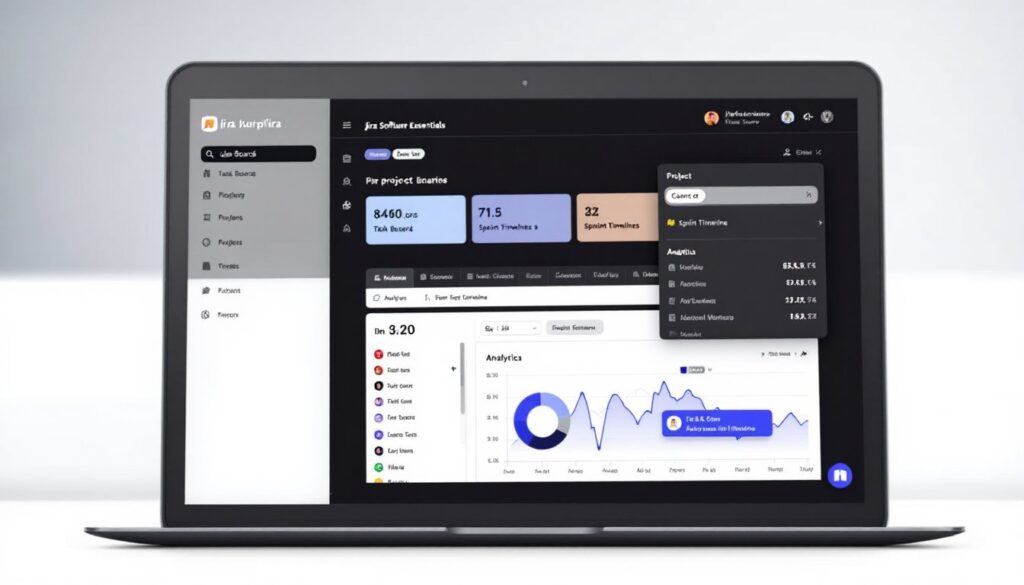
The Jira user interface is designed for ease of use. Initially, familiarize yourself with the dashboard displaying all vital project information. The left sidebar contains navigation links, such as Backlog, Active sprints, and Reports. Access various task details directly by clicking on issues listed on boards. Individual task cards provide essential information, including assignee and status. Utilizing filters in the backlog helps locate tasks quickly, making management seamless. Engaging with team members through comments and mentions encourages active participation.
Mastering Jira Software essentials can significantly enhance project management efficiency. Its customizable features and support for Agile methodologies empower teams to tailor their workflows to suit specific project needs. With robust collaboration tools and comprehensive reporting capabilities, teams can maintain transparency and drive informed decision-making.
Jira’s user-friendly interface simplifies onboarding and encourages active participation among team members. By leveraging its integration capabilities and automation features, organizations can streamline their processes and improve overall productivity. Embracing these essentials not only optimizes project outcomes but also fosters a culture of accountability and continuous improvement within teams.